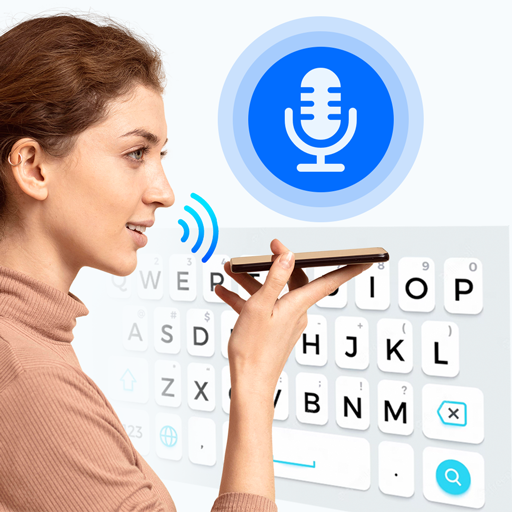
Google Voice Typing
Free, accurate speech-to-text for Android, iOS, and Google Docs.
How to Get Started
- Open Google Docs on your device or browser
- Tap the microphone icon in your keyboard or go to Tools > Voice Typing
- Allow microphone permissions
- Speak clearly and Google will transcribe in real time
- Use voice commands like 'new line' or 'comma' for formatting
What You Can Learn
- Document dictation in 100+ languages
- Voice commands for punctuation and formatting
- Real-time transcription with high accuracy
- Meeting notes and lecture transcription
- Accessibility dictation for hands-free computing
Key Features
- Completely free to use
- Works in 100+ languages
- Real-time punctuation suggestions
- Seamless Google Docs integration
- Works on Android keyboard natively
- No data cap or word limit
About Google Voice Typing
Google Voice Typing is Google's built-in speech recognition technology, available for free across Google Docs, Google Slides, Android keyboards, and Google Assistant. It is widely regarded as the most accessible and accurate free voice typing solution available.
Using Google's deep learning speech models, Voice Typing achieves near-human accuracy in English and dozens of other languages. It automatically adds punctuation, recognises multiple speakers in some contexts, and handles accents well.
For students, professionals, and anyone with accessibility needs, Google Voice Typing can dramatically increase productivity. Dictating at speaking speed (130–150 words per minute) is three times faster than average typing speed, making it one of the most impactful free productivity tools available.